Troubleshoot Otg Connector Common Issues
Troubleshoot Type C To Usb Otg Connector
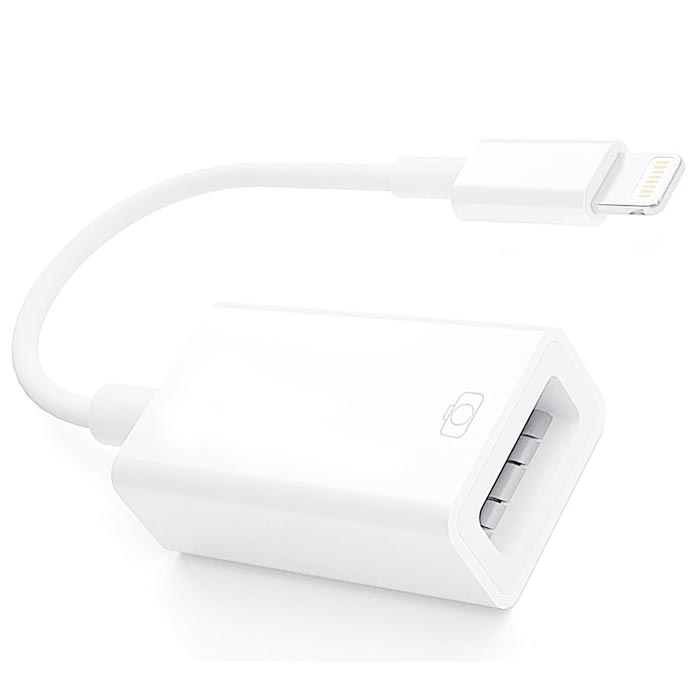
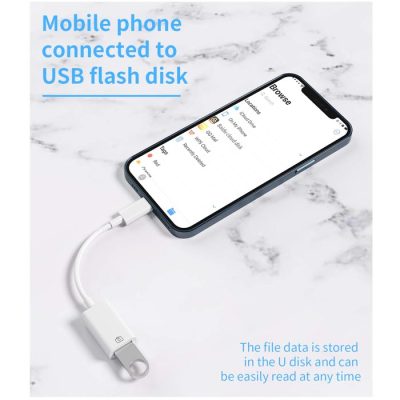
OTG connector not working , Activate OTG in Settings , OTG Connector Online Shopping in India
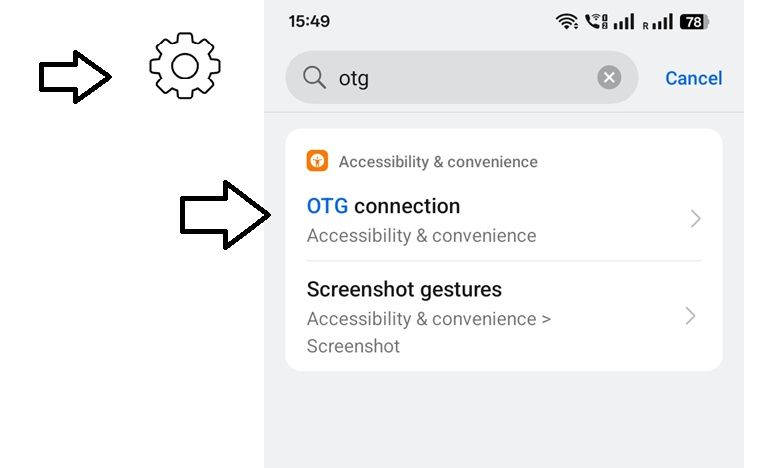
- Go to Settings -> Search “OTG” -> Toggle “OTG connection” on.
- Note: This usually turns off automatically after 10 minutes of inactivity.
- Close all appFurthur steps if still having any issues
- Restart the Phone: A simple reboot can fix detection issues.
- Clean the Port: Ensure there is no lint or dust inside the Type-C port on the phone and in the adapter.
- Test with Other Devices: Test the OTG adapter with a different phone or a computer to determine if the issue is with the adapter or the phone’s port
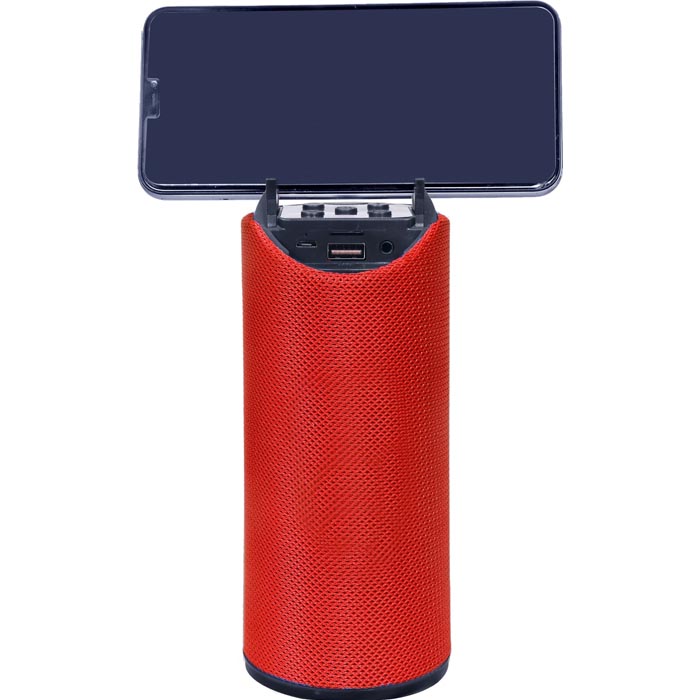
Sample Image