

Your cart is currently empty!.
You may check out all the available products and buy some in the shop.
Continue Shopping
8 in stock
Original price was: ₹349.00.₹199.00Current price is: ₹199.00.



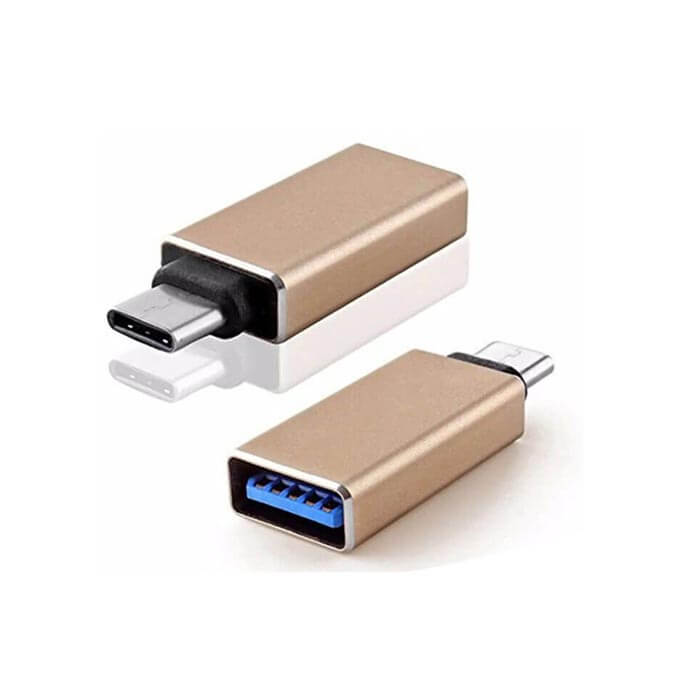
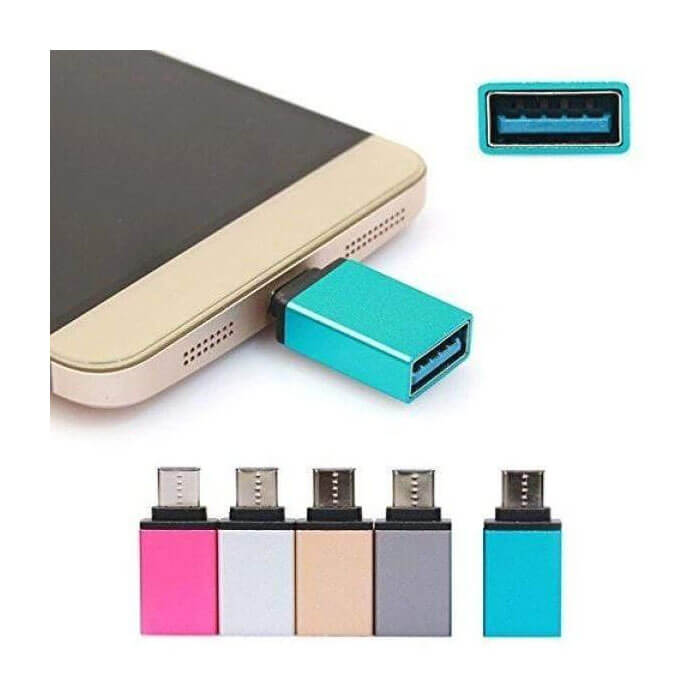
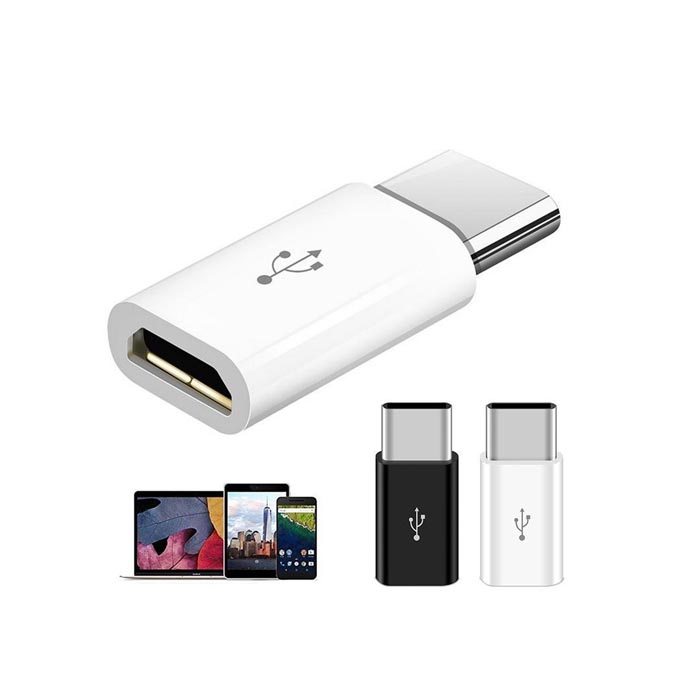
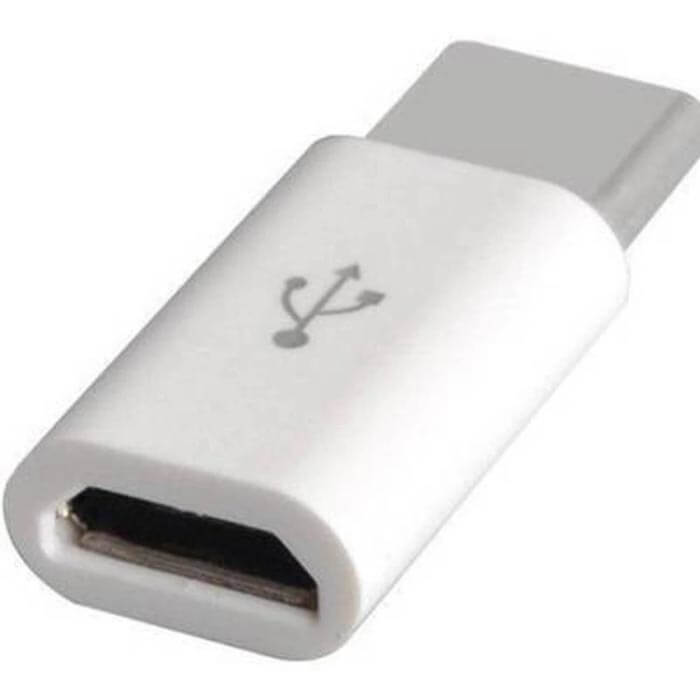
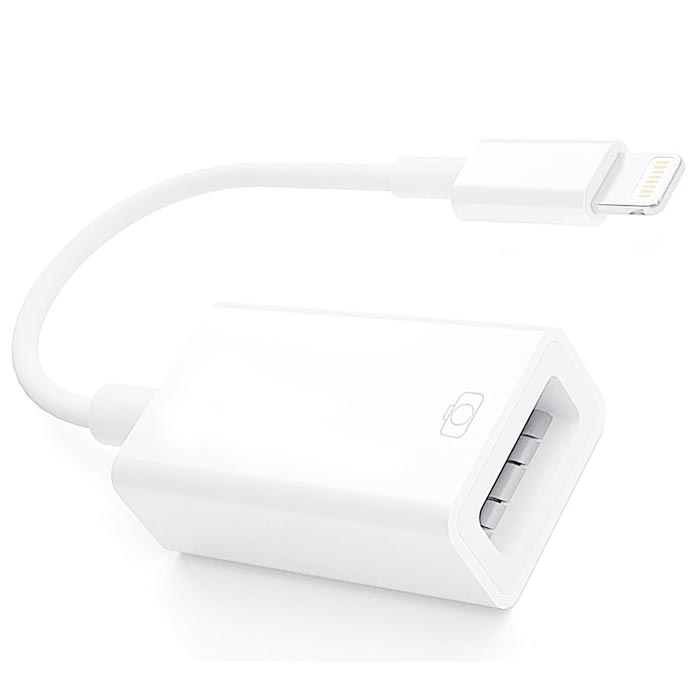
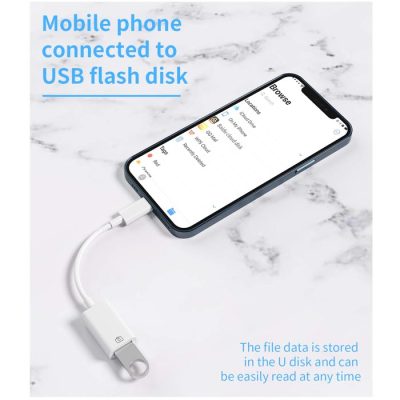
allows a USB-C host device (like a smartphone or laptop) to act as a controller, enabling direct connection to another USB-C device (like a flash drive, camera, or another phone, type c mobile like oppo Samsung etc ) for data transfer, peripheral control, or charging without a computer.
In sales Package Type C To USB otg Connector
Warranty 1 Months
Troubleshoot Type C To Usb Otg Connector
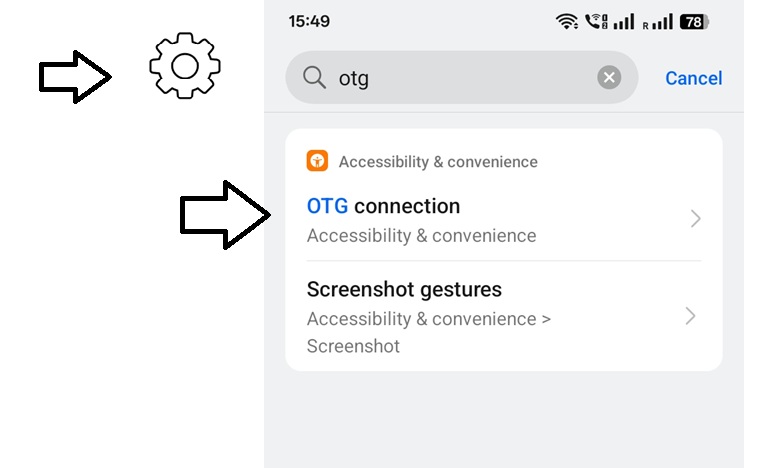
OTG connector not working , Activate OTG in Settings , OTG Connector Online Shopping in India
Sample Image
Wide Payment Options
EMI Payments Method (On minimum Order value of ₹3,000.00)
EMI on Cards( Debit / Credit )
InstantCard Cardless EMI
ZestMoney,EarlySlalry
ZestMoney EMI 0% Interest Available*
Buy Now Enjoy & PayLater Method No Minimum Order Value
ICICI Bank PayLater
Wallet Options
PhonePe,Amazon Pay,Mobikwik,Freecharge,Airtel Money,Ola Money (Postpaid + Wallet),JioMoney,PayZapp
Disclaimer: Product may be slightly differ due to lightning effect in photo-shoot or your screen settings

Here’s some of our most similar products people are buying. Click to discover trending style.




Out of stock




Out of stock






Out of stock
